
Self-hosted, lightweight, simple to run.
Run MisterShell on your own infrastructure — a single self-contained container, or a full deployment with outbound workers placed near your managed environments.
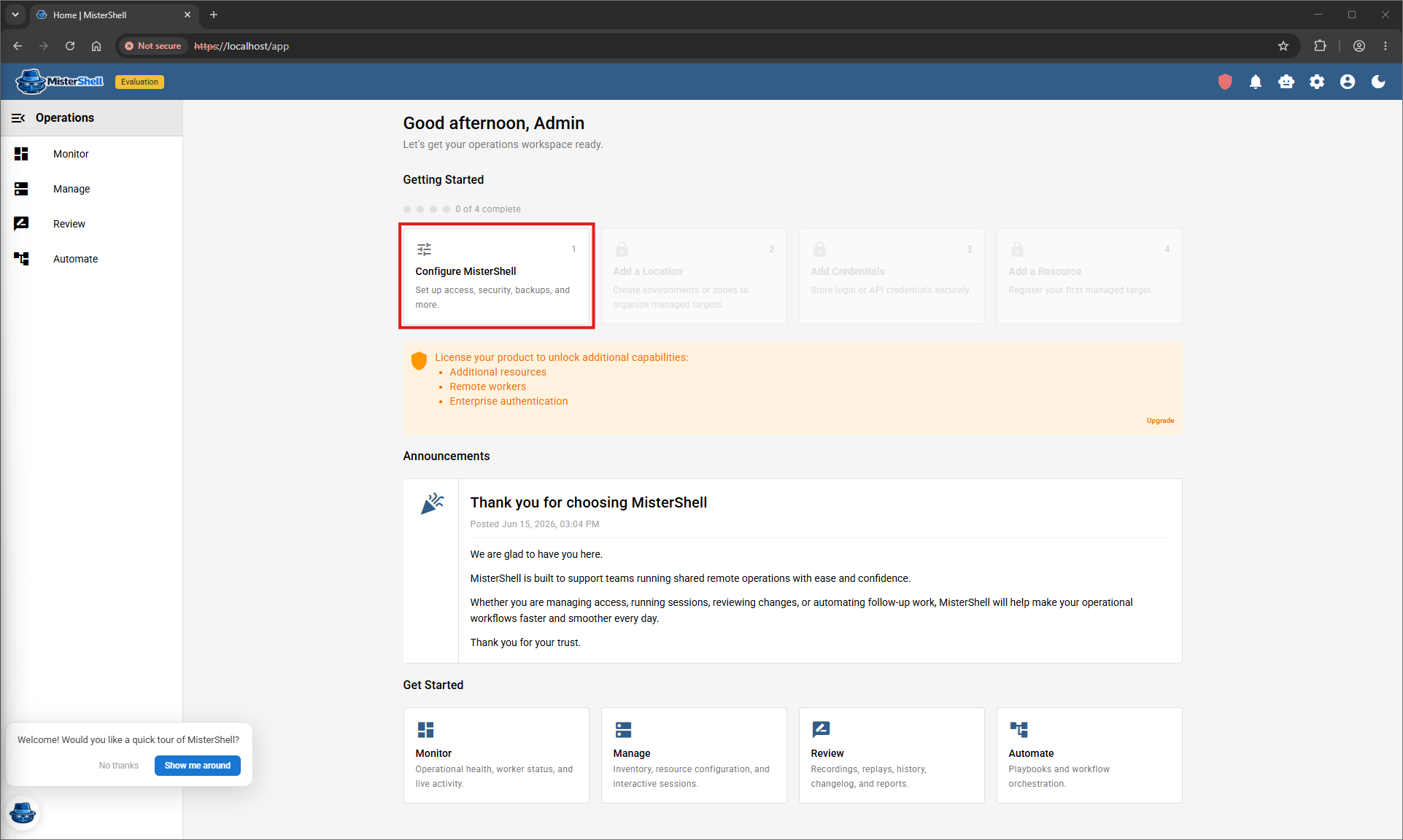
Deploy with Docker or Kubernetes
Self-contained. No agents on your devices. No inbound firewall rules.
Deploy
Run a single Docker container or deploy to Kubernetes — Docker, Podman, or an equivalent container platform. Everything is self-contained and ready to use.
Connect
Place remote workers to align to your network segmentation policies — they connect outbound. Add your devices, servers, and cloud resources to the inventory.
Operate
Open browser sessions, monitor health, review changes, run automations, and collaborate with your team.
# Pull and run MisterShell
$ docker run -d --name mistershell \
-p 443:443 -p 80:80 \
-e DB_ENCRYPTION_KEY=$(openssl rand -hex 32) \
-v mistershell_data:/data \
# optional — only needed for browser web-app sessions
--cap-add SYS_ADMIN --security-opt apparmor=unconfined \
mistershell/core:latest
# Set the first admin password
$ docker exec -it mistershell msh -y reset admin-user
# Open your browser and log in
✔ https://localhost
✔ Email: admin@mistershell.local
The operator console sets the credential and prints it once, to your terminal. Change it after you sign in.
Can't exec into the container? Pass INITIAL_ADMIN_PASSWORD as an environment variable at first boot instead.
That's it. No external database, no configuration files, no agents to install on your devices.
Everything runs inside the container, with the mounted volume keeping your data across restarts. The two security flags are optional: they enable browser web-app sessions (headless Chrome's sandbox needs them) — every other feature works without them, so omit them if you don't need web sessions. Add or import resources and start operating.
Keep a copy of your DB_ENCRYPTION_KEY — it encrypts stored secrets, and you need the same value to restore
(docker inspect mistershell shows the generated one).
Follow the full step-by-step evaluation guide → — it has the exact Chrome commands for Windows and macOS.
--ignore-certificate-errors;
for production, terminate TLS at a reverse proxy or your Ingress.
Start on one container. Grow to active/active — same image.
The deployment you start with is not a dead end. The very same image scales from a single container to an active/active cluster spanning regions — no re-architecting. Multi-core high availability comes with the Pro edition.
- Stage 1
Single container
Everything embedded — control plane, data services, and a worker in one container. The fastest path to a working workspace; ideal to evaluate or run a small single-zone estate.
- Stage 2
HA cluster
Add cores in one region and they self-cluster active/active: every core serves traffic, an elected leader schedules exactly-once, and recordings replicate. No single point of failure in the application tier.
- Stage 3
Multi-region
Run a core in each region for geographic reach and low-latency locality — users and workers connect to the nearest region, federated into one mesh.
- Stage 4
Multi-region, highly available
Redundant cores in every region — the full topology. One HA fabric spanning regions: each region is internally redundant and local to its users, all under one policy and audit model.
MisterShell makes its own application tier highly available and, by design, leverages the managed load balancer, database, and cache you already operate — rather than duplicating platforms your team already runs — so those stay under your control. See the deployment docs for prescriptive Docker and Kubernetes guidance for each topology. Deployment topologies →
What you need
- MisterShell Core reachable by users and workers over HTTPS; your managed resources reachable by workers over SSH, RDP, and other protocols.
- Free edition: manage up to 25 resources, no license required — and no time limit.
- Installing a paid or trial key? Set the licensing email first — keys are bound to the purchase email, not to the machine, so they survive rebuilds.
- Bring your LLM (ten providers supported, Ollama included) — and, with the Pro edition, your identity provider (LDAP, OIDC, or SAML).
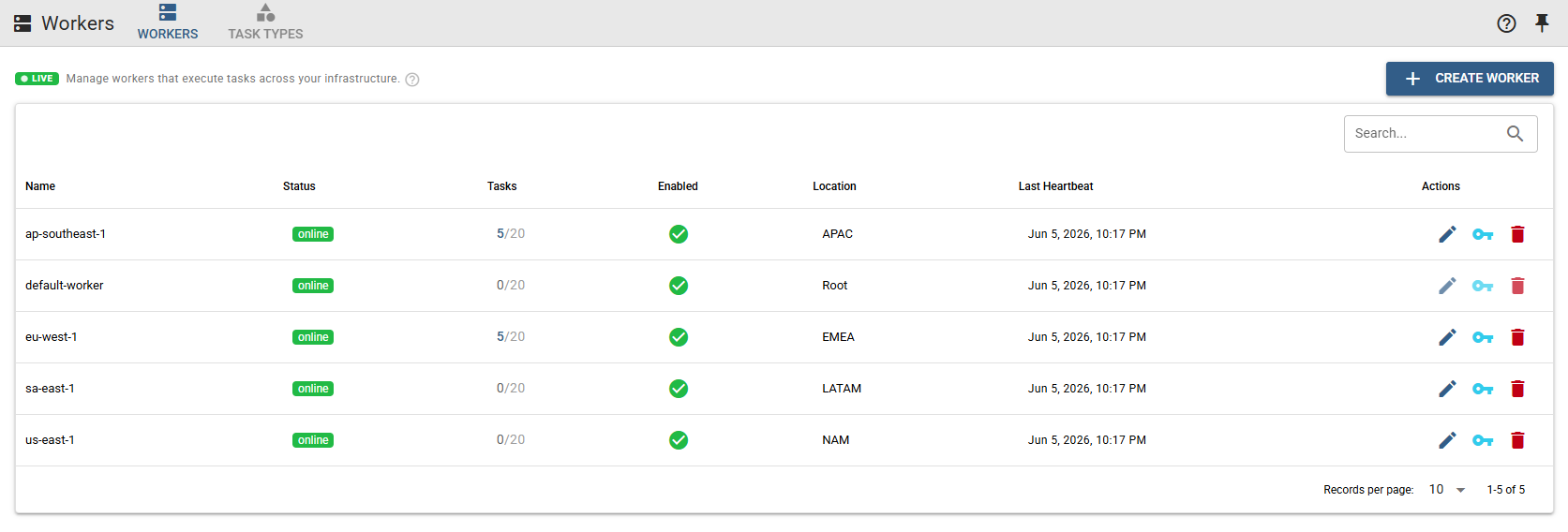
Need the full deployment runbook? See the docs for step-by-step guidance, or check the FAQ for common deploy questions.
Get in Touch
Want a guided demo, or a trial license to evaluate Pro or Enterprise on your own infrastructure? Tell us — we'd love to hear from you.