
Turn events into action.
Bind what happens across your estate — a config change, a failed health check, a session ending, an alert — to a visual chain of trigger, filters, and actions. Notify, run an AI agent, run a network diagnostic from your workers, dispatch a resource action, or send a report — branch on what came back, and pause for a human to approve before anything is pushed. Visual, reviewable, and every run replayable node by node, showing why each route was taken.
Operational reactions are manual and inconsistent
Glue scripts everywhere
Reactions to events end up as one-off scripts and cron jobs spread across hosts — undocumented, unowned, and hard to change safely.
Slow, repetitive responses
Routine follow-ups — capture context, notify the right people, open a ticket, run a check — happen by hand, every time, at human speed.
Disconnected tooling
The signal is in one system and the response in another, with no clean way to wire them together under review.
No record of what ran
When automation does exist, it is often a black box — no clear history of what fired, when, and what it did.
Build reactions on a canvas, not in cron
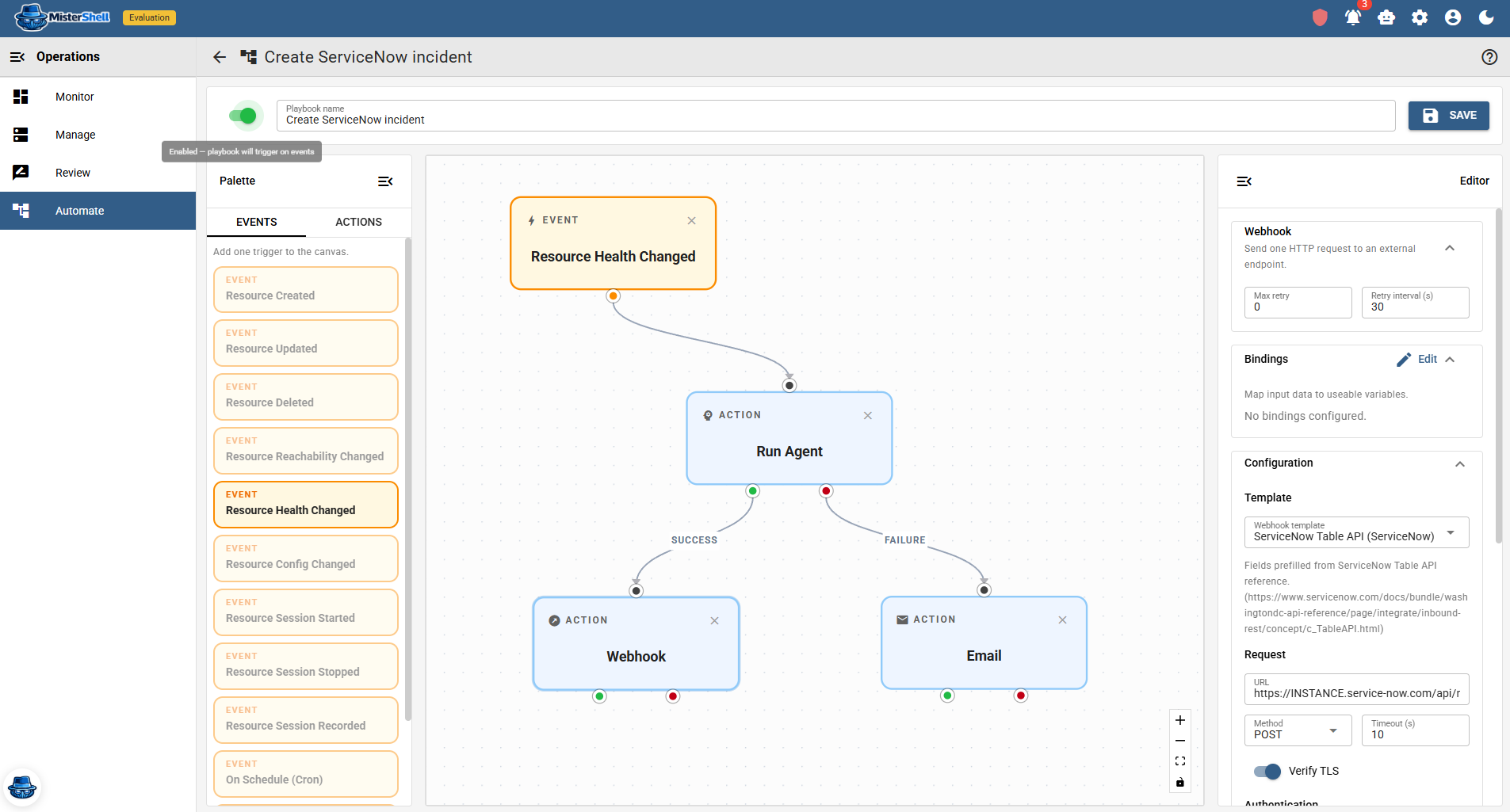
The Automation Studio lets you bind a trigger event to a visual chain of filters and actions on a canvas — reviewable end to end. Trigger filters run before the actions to cut noise cheaply. Actions can notify by email or webhook, run an AI agent, run a network diagnostic from your workers, dispatch a resource action, or generate and send a report. A Switch step routes on what came back, and an Approve step pauses the run for a named role to decide before anything is pushed. Playbooks can be enabled and disabled, and every execution is kept in a run history so you can see exactly what fired and what it did.
Workflows wired to your platform
Visual Studio
Compose a trigger, filters, and actions on a canvas — with Switch steps that branch on conditions and Approve steps that wait for a human decision. Playbooks are reviewable, safe to park in a disabled state while you build — and every run is replayable node by node, showing why each route was taken.
Rich triggers
Fire on a schedule, a configuration change or push, a health transition, a compliance violation, a session starting or ending, an IDS alert or syslog match, a resource being created or removed, and more.
Composable actions
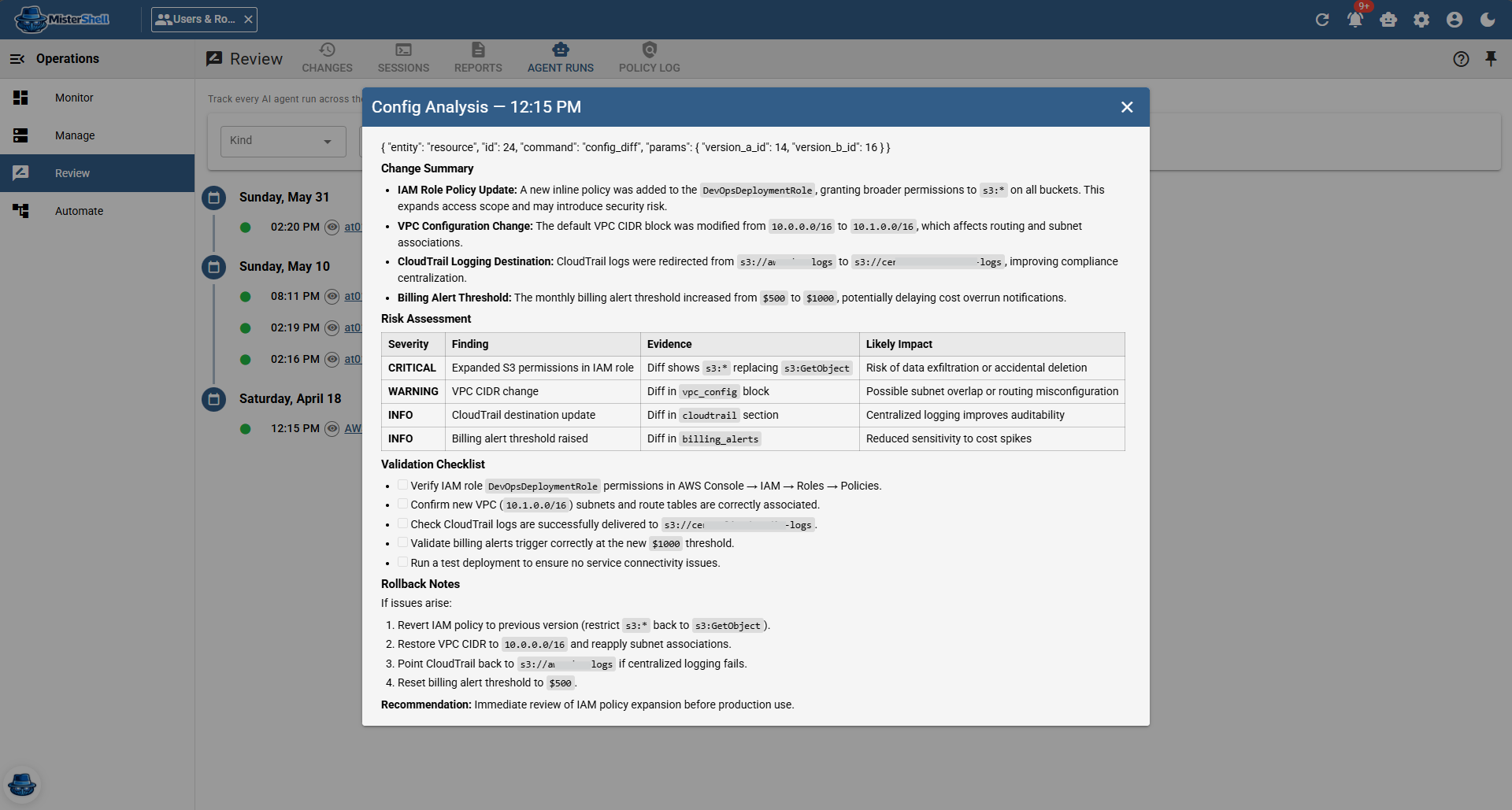
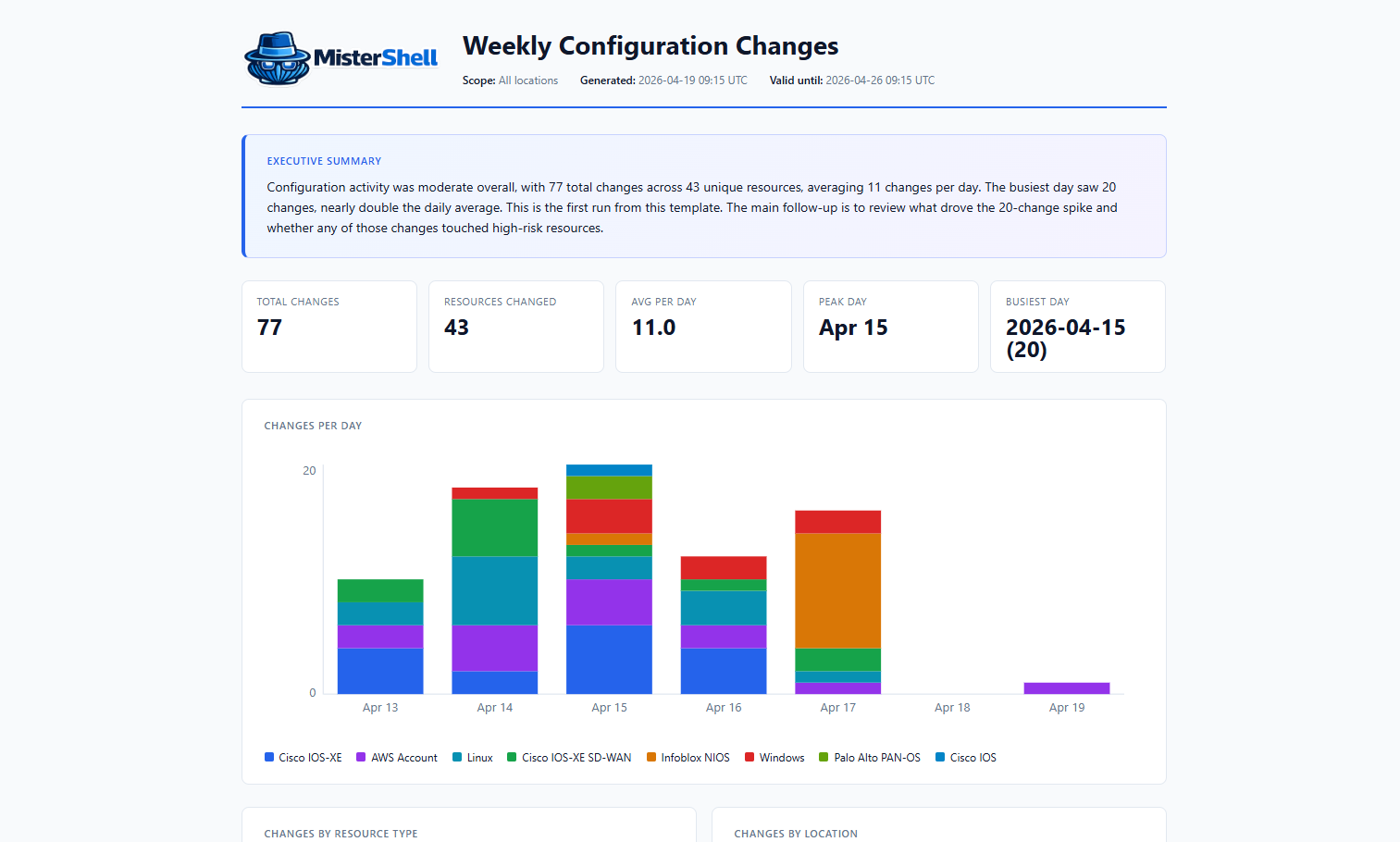
Notify by email or webhook, run an AI agent, run a network diagnostic from your workers, dispatch a resource action, push a config stack, or generate and send a report.
Closed-loop remediation
Wire a compliance violation to a config push: when a Fact Policy check fails, a playbook renders a configuration template and pushes the fix — with every push recorded and raised as an event your automation can act on. Detect, analyse, approve, push — an Approve step can hold the fix for a human before it goes out — all on the canvas. Because it rides on operational facts and templated push, the same loop is vendor-agnostic across your configuration-capable resources. The full loop comes with the Enterprise edition.
Trigger filters
Match on event fields (for example, severity = critical) before the action graph runs — a cheap way to keep automation focused.
Run history
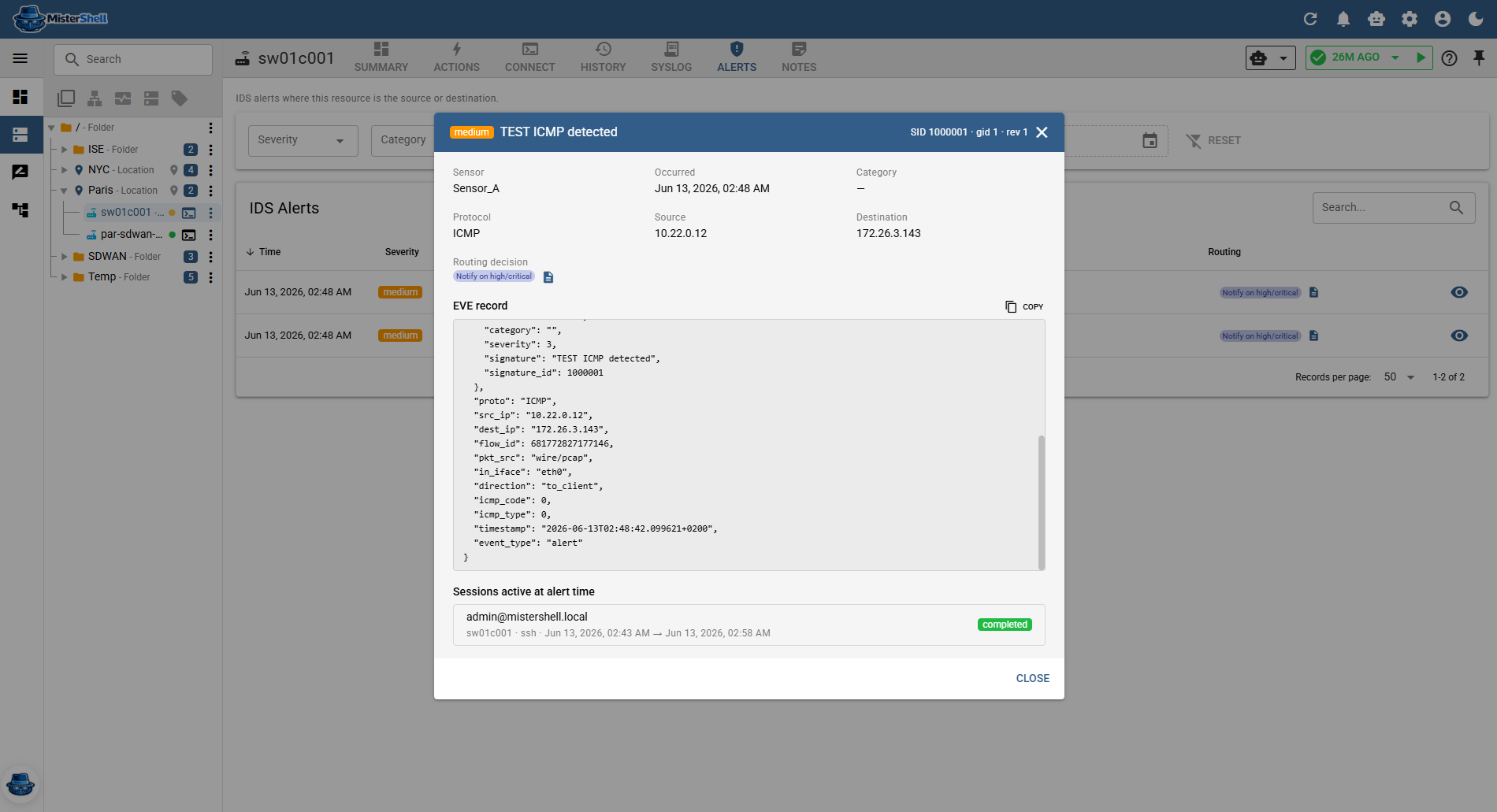
Every execution is recorded, so you can see what fired, when, and what it did — including agent runs invoked by a playbook.
Programmatic too
Drive operations from your own tooling with the REST API, an official Terraform provider that keeps inventory, credentials, roles and grants, and session policy rules and per-command ACLs as reviewed code, and a built-in MCP server that hands read-only context and diagnostics to your external AI tools.
Your existing playbooks keep running
Ansible and the rest of your SSH-based tooling reach devices through MisterShell instead of around it — no rewrite, and every automated session lands under the same policy, approvals and recording as a person opening one by hand.
Get in Touch
Want a guided demo, or a trial license to evaluate Pro or Enterprise on your own infrastructure? Tell us — we'd love to hear from you.