
Governed access into your OT zones — without opening them.
Outbound-only workers act as controlled conduits into your cell/area zones and IDMZ — no inbound firewall rules, nothing exposed. Browser SSH, RDP, and VNC for HMIs and devices, recorded vendor sessions, passive network detection, and full audit. Self-hosted: your infrastructure, your data.
Segmentation protects your OT. Access still has to get in.
Vendor and remote access is the weak point
Most OT incidents trace back to remote access: OEMs, integrators, and on-call engineers reaching cell and area zones to maintain equipment. The usual options — a standing VPN account, a shared jump box, an ad hoc firewall exception — give you none of a recorded, approved, expiring, attributable session.
Inbound paths break the zone model
Your segmentation already follows zones and conduits. Inbound SSH or RDP tunnels cut across that model — they need a firewall exception or an on-site jump box that is hard to maintain and harder to justify at audit.
HMIs and workstations need governed desktop access
Engineering workstations and HMI panels are reached over RDP and VNC. Stitching that through VPNs and personal clients leaves desktop access ungoverned and unrecorded — exactly what an auditor scrutinizes most.
Audit stops at the IT/OT boundary
Logging and recording that cover the IT estate often stop at the OT edge. Without one trail across both, attributing a change inside a zone — or proving none happened — means manual reconstruction.
Fits your segmentation, instead of fighting it.
MisterShell deploys an outbound-only worker inside each zone — a controlled conduit that dials out over HTTPS, so you reach cell/area zones and the IDMZ without ever opening an inbound port. Session policy, command ACLs, recorded vendor access, and passive detection layer on top, all self-hosted. It governs and records access into your OT zones and watches their traffic passively — sitting alongside your ICS firewalls, NAC, and safety systems, not in place of them.
Controls built for environments that cannot afford a gap.
Remote workers, enterprise sign-in, high availability, and audit export to your SIEM come with the Pro edition; policy engines, session recording, and automation ship with Enterprise; IDS, syslog collection, and external access are licensed add-ons. See pricing.
Outbound-only workers as conduits
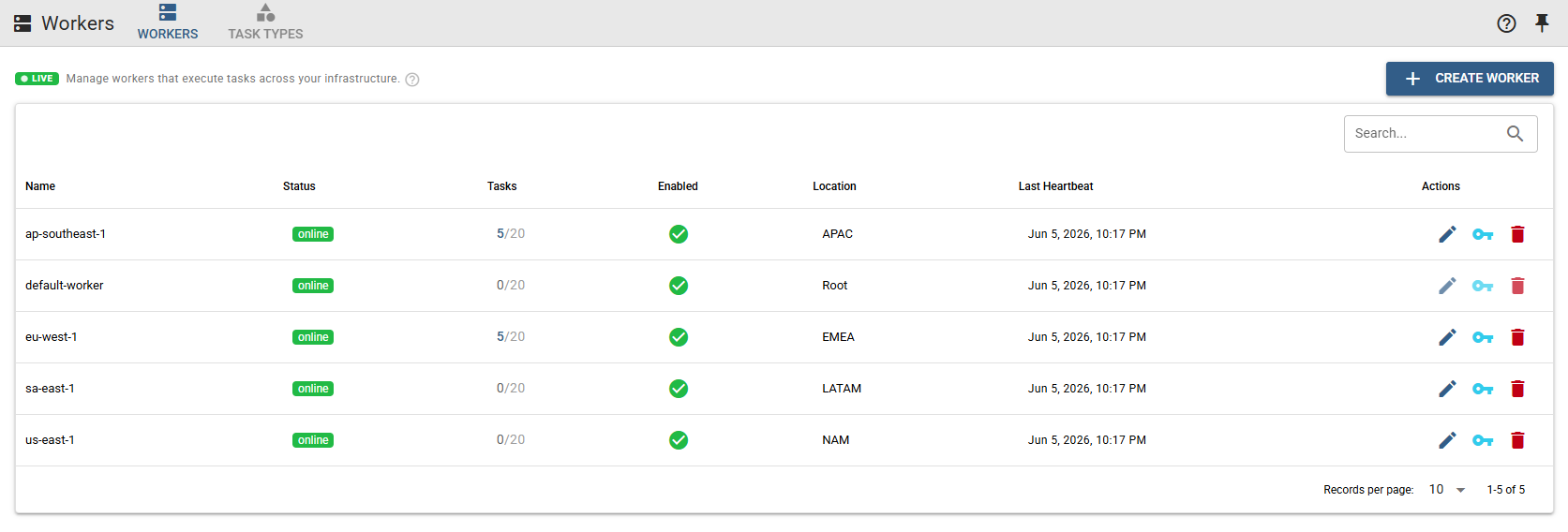
Deploy a worker inside each zone or the IDMZ. It dials out over HTTPS as a controlled conduit — you never open an inbound port into a protected zone, and resources are never exposed through MisterShell — only the worker touches them.
Recorded third-party vendor access
Invite an OEM, integrator, or contractor to a single session by one-time link — no account, no standing access. Guest access runs through the Session Proxy add-on, enabled by an admin. The host's session into the zone can sit behind a human approval with a grant that expires on its own, the guest's join link is time-boxed too, and the whole session is fully recorded and bound by your session policy, with nothing inbound opened to let them in.
Session policy & command ACLs
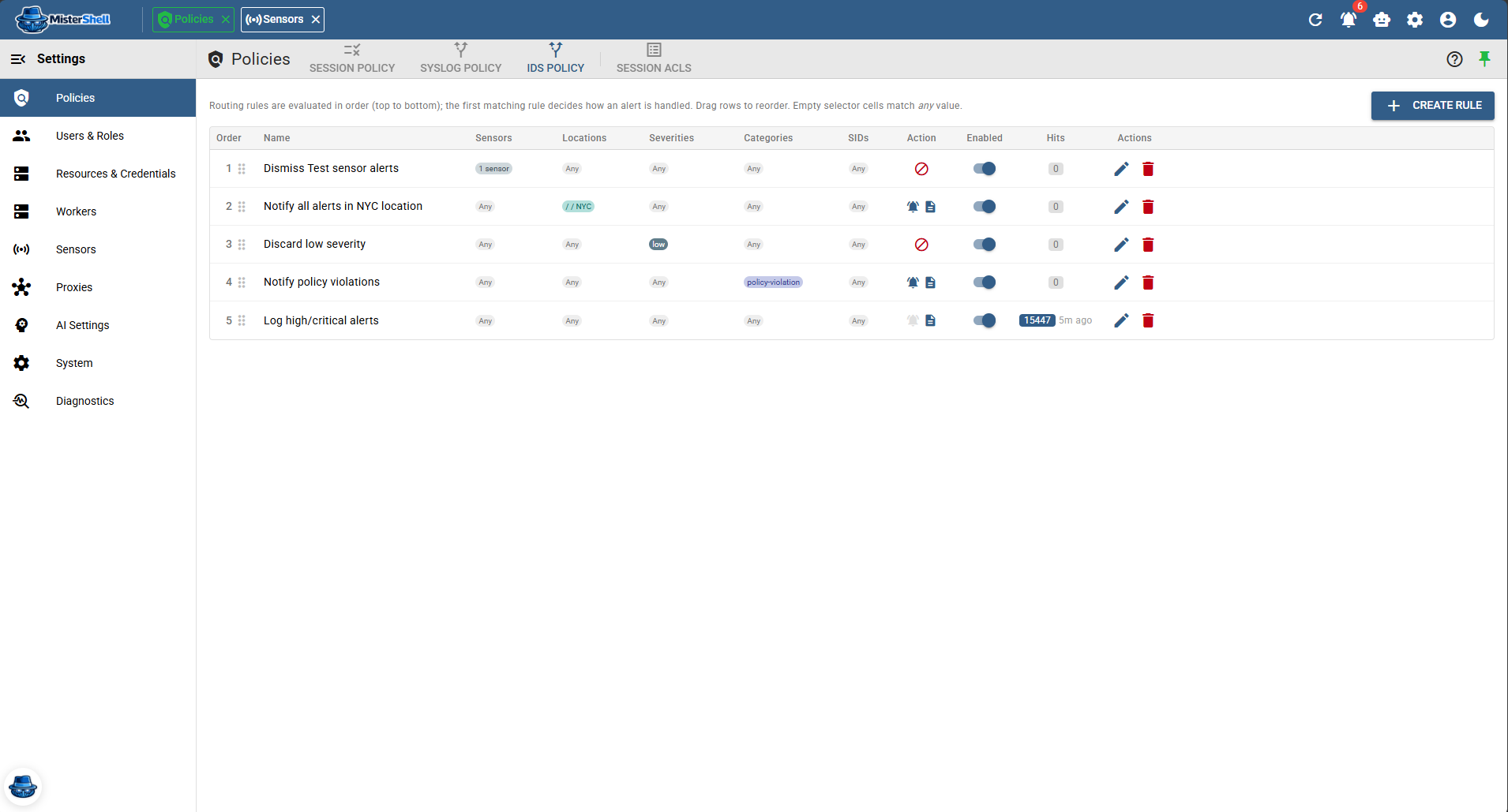
Allow/deny rules — with notify and log flags — at connection time, by location, resource type, tag, role, or session type — and per command by glob or regex, so unauthorized commands stop before they reach the target. For the zones that warrant it, a rule can require a human approval before a session opens, with a grant that expires on its own and every request and decision kept as evidence.
RDP and VNC for HMIs and workstations
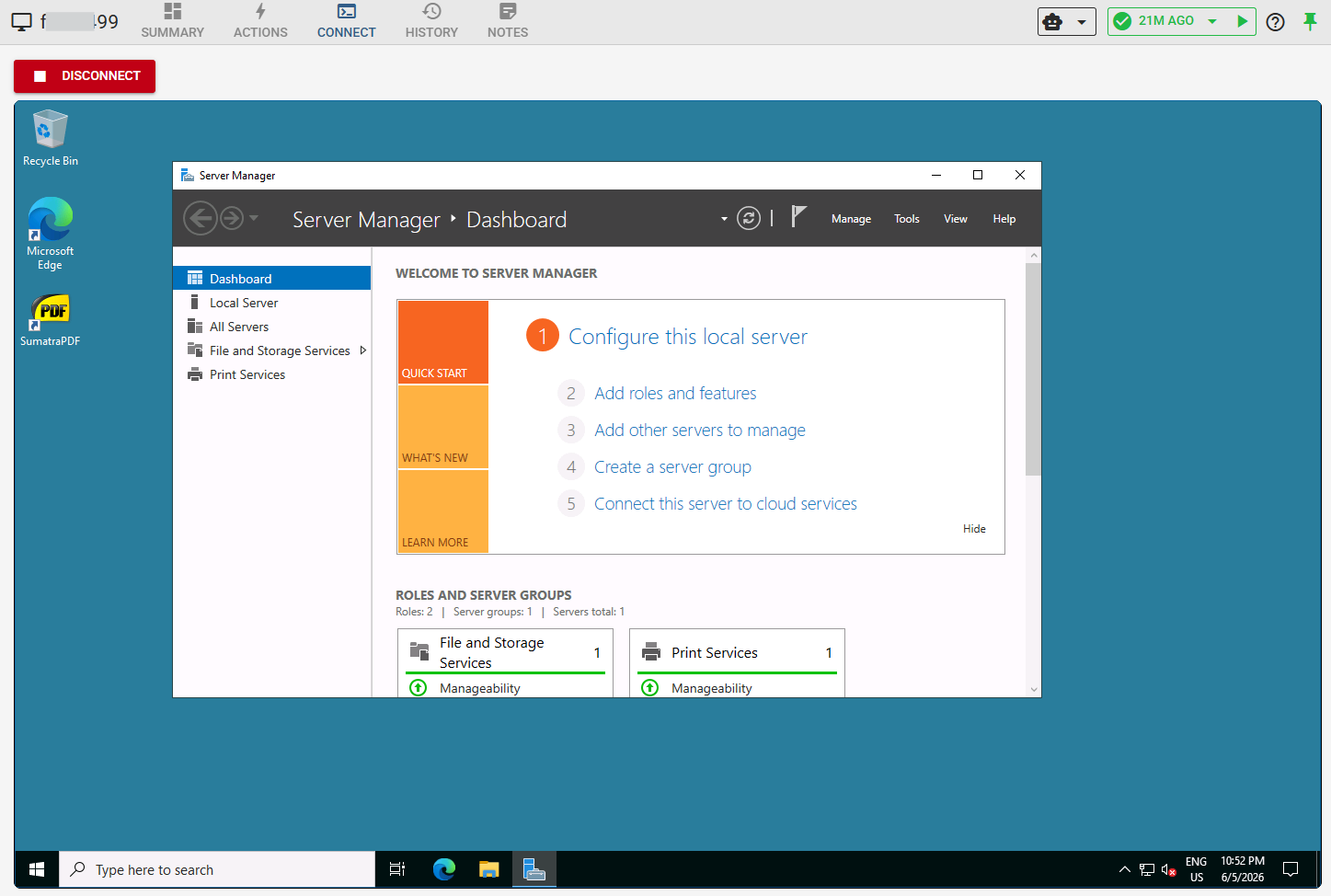
Browser-delivered desktop sessions for HMIs and engineering workstations — Windows over RDP, other devices over VNC — recorded and governed by the same session policy as SSH.
Passive network detection
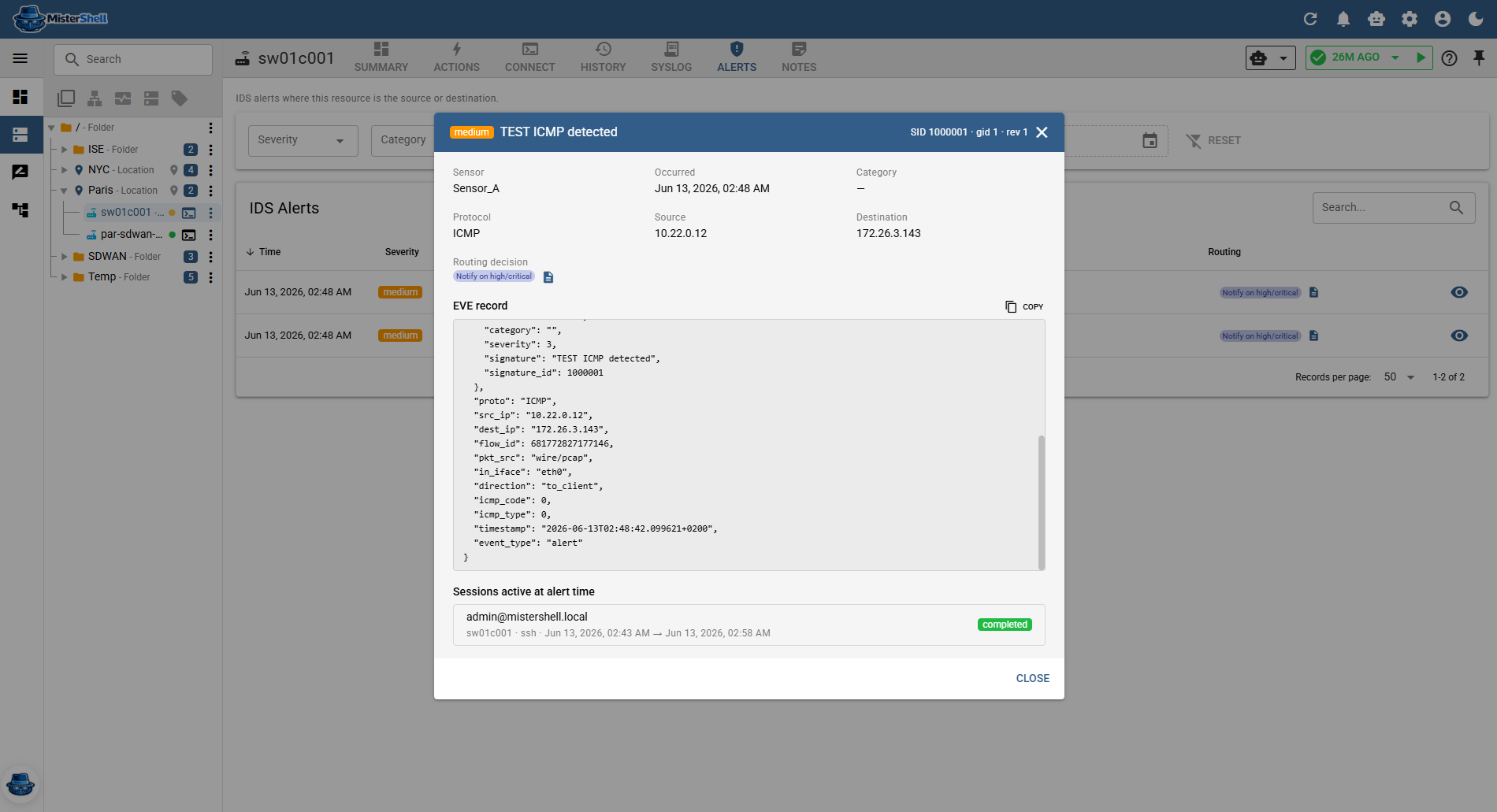
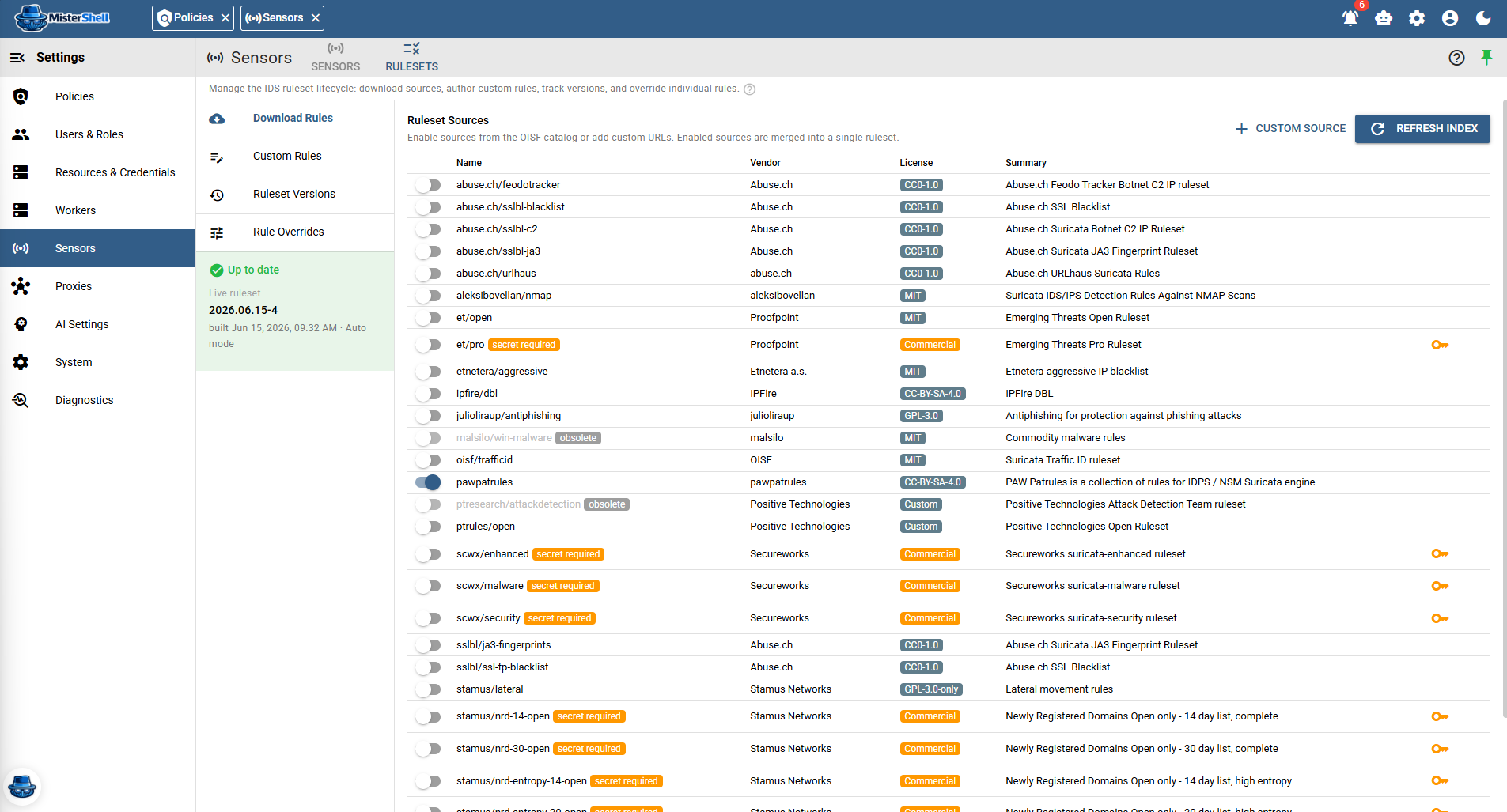
Optional IDS sensors watch traffic inside a zone in detect-only mode — never inline, never touching a device — and raise alerts attributed to the resource and location. Detection draws on curated, industry-maintained rule sources (such as ET Open), your own custom rules, and per-signature overrides — not deep ICS-protocol dissection. Licensed feature.
One audit trail across IT and OT
Recorded terminal sessions carry a command timeline and RDP/VNC sessions a visual replay, all backed by an object store you control — recordings are immutable operational evidence that outlive the resources and users they capture; security events export via syslog/CEF to your SIEM.
Encrypted credential store
Shared or per-user credential mapping, masked in the UI and stored encrypted — no credentials in logs or shells — plus a personal and team vault for each engineer's own logins, shared by role and audited.
Self-hosted — your infrastructure, your data
MisterShell runs entirely on your own infrastructure as a container or full deployment. No session data, credentials, or audit events leave your environment unless you configure an external endpoint.
Closed network, shared platform.
Outbound-only workers extend the same platform every other team uses into your segmented zones — without opening them.
Ops and security reach in — nothing reaches out
Because workers connect outbound only, the access, recording, and policy every other team relies on extend into your OT zone with no inbound firewall rule.
Vendors troubleshoot without a foothold
Invite an external vendor into a recorded, account-less session through the admin-enabled Session Proxy add-on — a one-time link, they fix the HMI, security sees every action, and no standing account or inbound path is ever created.
One audit trail spanning IT and OT
Sessions, config changes, and events inside the segment land in the same trail as the rest of the estate — security and compliance get OT coverage they usually can’t reach.
Get in Touch
Want a guided demo, or a trial license to evaluate Pro or Enterprise on your own infrastructure? Tell us — we'd love to hear from you.