
SSH, RDP and VNC access management for sysadmins.
Browser-delivered SSH sessions for Linux, interactive RDP for Windows servers and desktops, and VNC for graphical Linux and appliance consoles — with session recording and replay, command ACLs, encrypted credential vaulting, config change tracking, health monitoring, and AI assist. One platform for your whole estate.
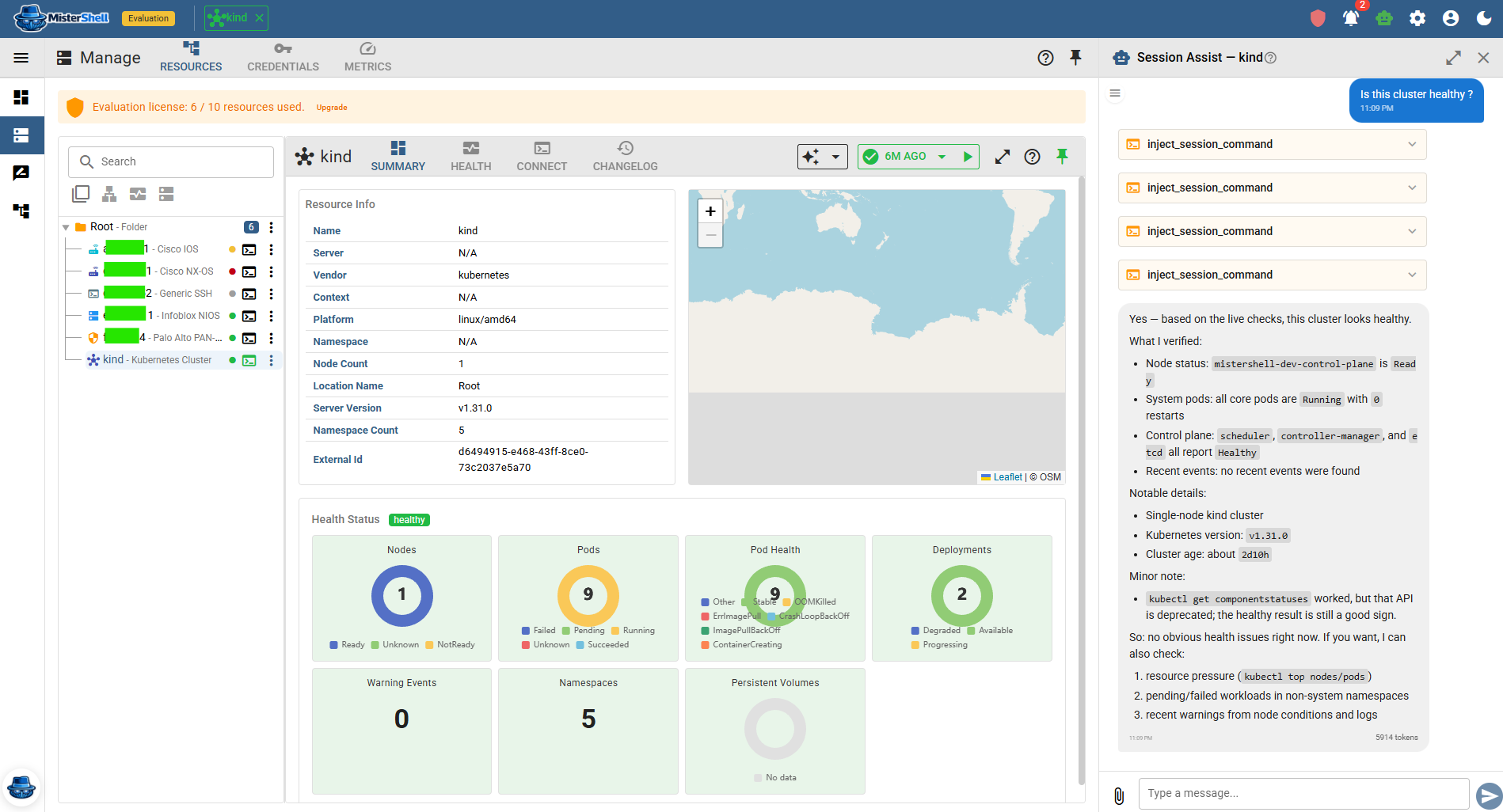
Scattered tools, shared creds, and no central audit trail.
SSH and RDP live in different tools
Linux servers get SSH clients; Windows servers get RDP clients. Each tool connects straight to the target with its own credential store, its own access model, and its own (usually absent) audit trail — two separate workflows for the same role, and neither one governed from a single place.
Local admin accounts still linger
Most teams issue individual logins, yet shared local and service accounts still linger on servers and desktops — and even a named login shows the connection, not what ran inside the session. Tying a 2 a.m. change to a person takes more than an account name.
Logs show access, not what was done
Access may be logged, but the log rarely shows exactly what an engineer typed, what came back, or what changed. Without replay, an investigation leans on recollection and inference more than evidence.
Least-privilege is a spreadsheet, not a control
Access levels exist on paper. In practice, broad accounts are easier to maintain than per-engineer, per-target grants — so least-privilege is aspirational rather than enforced.
One platform for every server in your estate.
MisterShell puts SSH and interactive RDP in the same workspace — from the browser or your own client — with the same session policy, the same recording pipeline, and the same audit trail. You stop switching tools and start operating consistently across Linux and Windows targets. To be clear about the scope: this is governed *access* to servers, and to the workstations you reach over RDP or VNC. It is not endpoint management — there is no agent, so patching, software inventory and endpoint privilege management stay with the tool you already use for them.
Everything a sysadmin needs, in one place.
Remote workers, enterprise sign-in, high availability, and audit export to your SIEM come with the Pro edition; policy engines, session recording, and automation ship with Enterprise; IDS, syslog collection, and external access are licensed add-ons. See pricing.
Governed SSH for Linux servers — browser or your own client
Full terminal emulation delivered in the browser — or from the SSH client already on your machine, under the same policy and recording. No client installs, no SSH key distribution headaches. Any SSH-compatible Linux target works — physical, virtual, or cloud-hosted — with host-key verification on by default — Windows OpenSSH included.
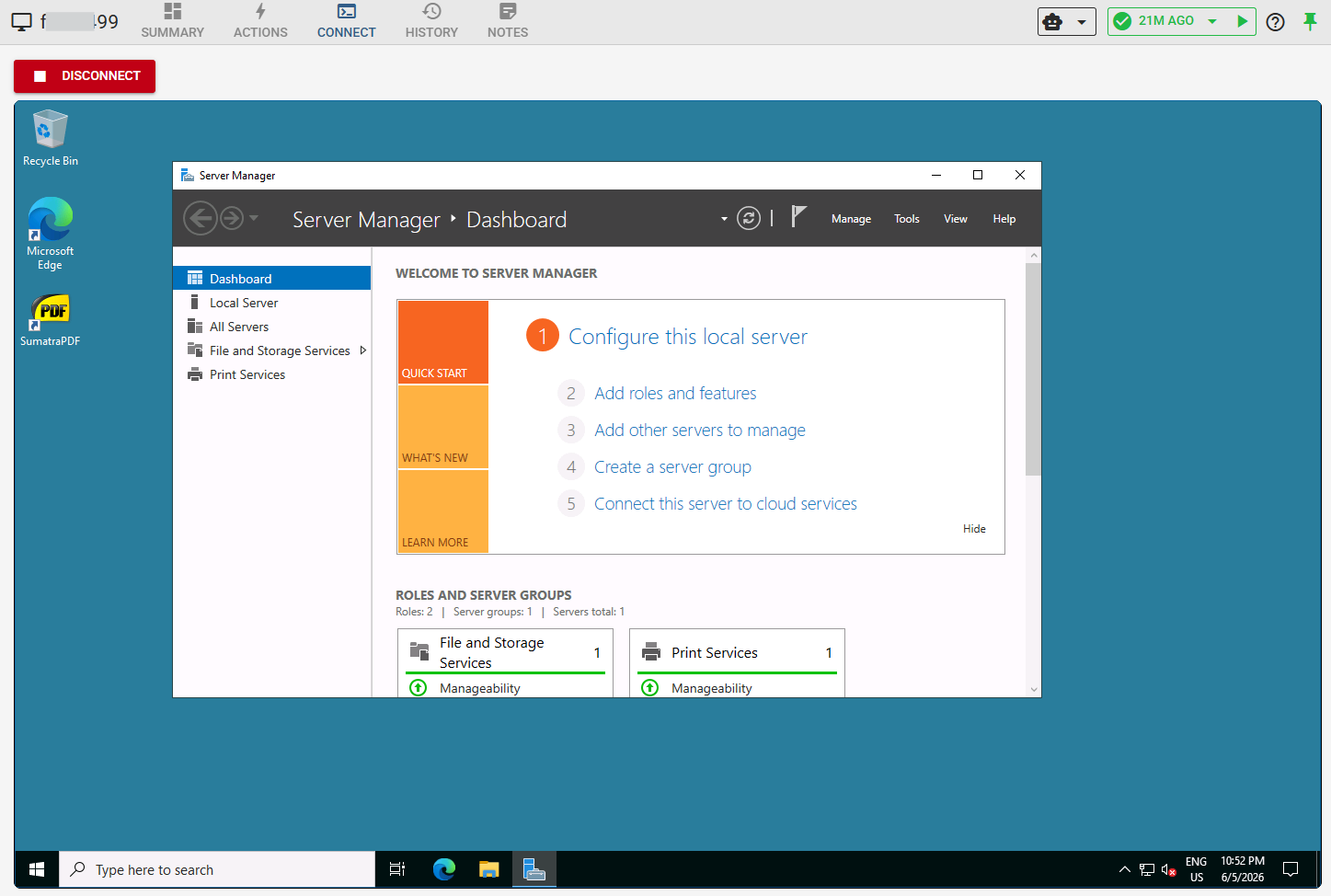
Interactive RDP and VNC in the browser
Browser-delivered graphical sessions — RDP for Windows servers and workstations, VNC for graphical Linux and appliance consoles, and web application sessions for admin consoles and internal portals, driven from a browser that runs beside the target. No separate client to install. Both are recordable for replay by policy and governed by the same session policy as SSH sessions (graphical sessions provide remote access only — no AI, health, or config tracking).
Session recording and replay
Terminal, RDP, VNC, and web-app sessions are all recordable and replayable under your Recording Policy, and recordings are immutable operational evidence — deleting a resource, user, or worker never deletes them, and they live in an object store you control. Each recording is SHA-256 hashed at capture, the hash held apart from the recording, and replay verifies it — so you can show it has not been altered since. When a ticket asks for evidence or a change needs review, you share a replay instead of reconstructing events from memory.
Command ACLs and session policy
Firewall-style session rules control who can open a session to which target. Per-command ACLs — named allow/deny pattern lists, glob or regex, that you author — control what runs in each session, so unauthorized commands don't reach the target. For sensitive targets, a rule can require a human approval before a session opens, with a grant that expires on its own and every request and decision kept as evidence.
Encrypted credential vaulting
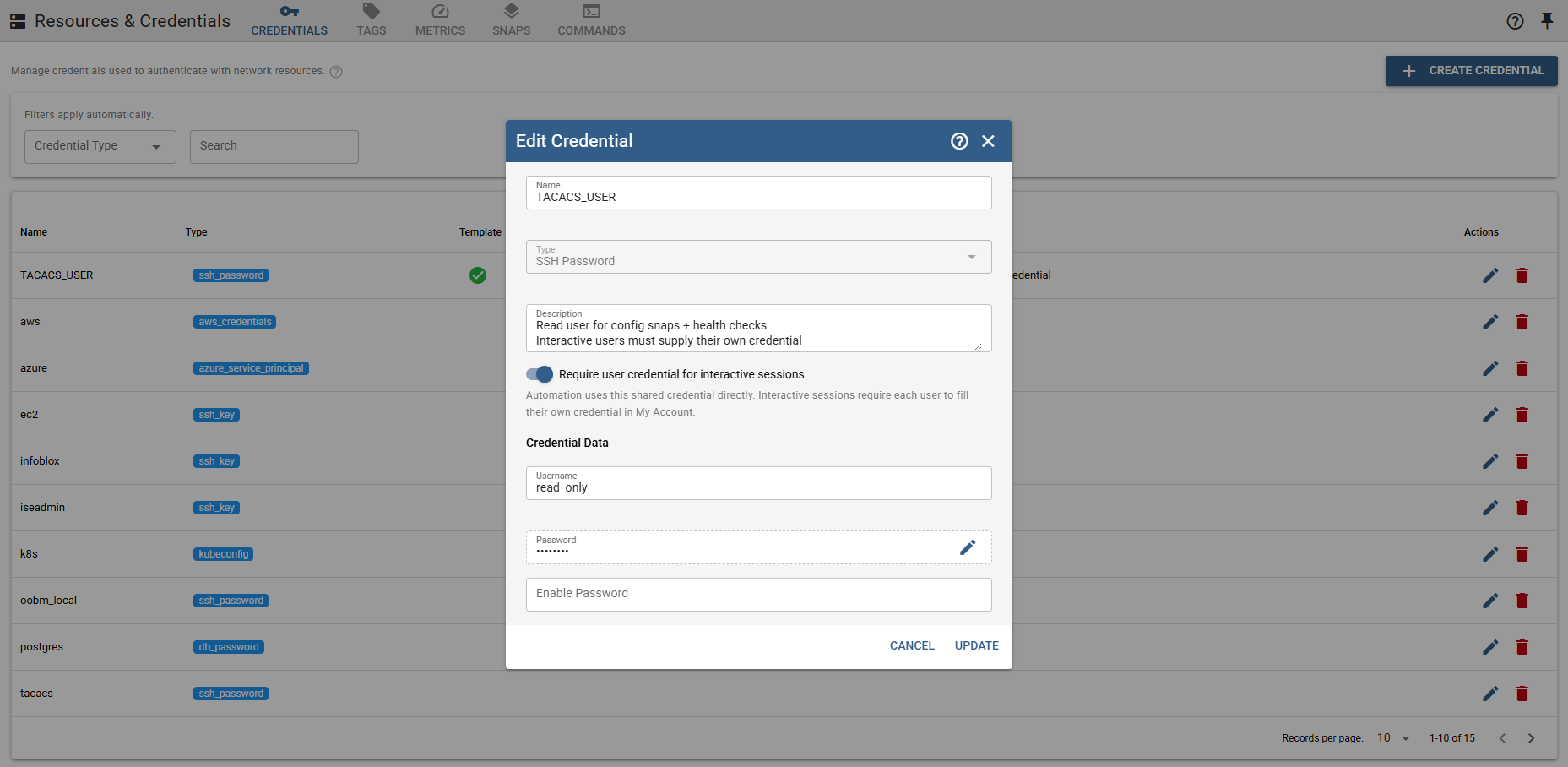
Store shared or per-user credentials in the platform vault, and give every admin a personal and team vault for their own logins — shared by role, with history and audit — in place of the KeePass file everyone copies around. Credentials are masked in the UI and stored encrypted — no secrets in shell history or session logs.
SSO with your IdP's MFA
Sign in through your existing identity provider — LDAP, OIDC, or SAML — so multi-factor and conditional-access policies are enforced by your IdP and apply to MisterShell like any other app. Directory groups map to roles, and local or LDAP sign-in gets its own MFA — an authenticator app or an emailed code — and password requirements.
Configuration change tracking
MisterShell snapshots resource configuration and presents structured diffs with a human-readable changelog — timestamped, searchable, and attributed to the change author whenever one can be identified.
Health monitoring
Per-metric health history with warn and critical thresholds, surfaced in the same workspace as the session — device status and access in one view.
Outbound-only workers
Deploy a worker inside a segmented zone, DMZ, or remote site. It connects outbound over HTTPS — no inbound firewall rules required, no VPN exception requests.
AI assist in-session
The in-session assistant surfaces recent health data, config changes, and prior sessions as context before you start. Ask it to explain an error or draft a change — governed by AI Guardrails with a read-only-by-default allow-list and a full audit trail.
The same platform every other team works in.
Your SSH and RDP sessions sit on the fabric that also carries network, cloud, databases, and security — so the controls and trails are shared, not rebuilt.
Security’s guardrails cover your shells too
Session policy, command ACLs, and recording are set once and apply to SSH and RDP alike. You inherit least-privilege and a clean audit trail without building either.
One vault, one trail, across the whole estate
Because network, cloud, Kubernetes, and databases live on the same platform, the credential store and per-person attribution you rely on are the same ones spanning every target — one trail compliance trusts, not six.
Automation and AI you didn’t set up
Platform teams’ event playbooks and the in-session AI assistant work on your boxes exactly as they do everywhere else — a health event can trigger an AI triage before you’re even paged.
Get in Touch
Want a guided demo, or a trial license to evaluate Pro or Enterprise on your own infrastructure? Tell us — we'd love to hear from you.